The Lit

593,707 papers from 551,298 authorsvia Crossref · 1869–present

Last publication data pull: 13 Oct 2026

Use cases

A few ways to use The Lit.

Find your next paper, catch up on new work or put together a reading list. Here are a few places to start.

Based on the features described in About The Lit. Screenshots show the site in October 2026; results change as papers are added.

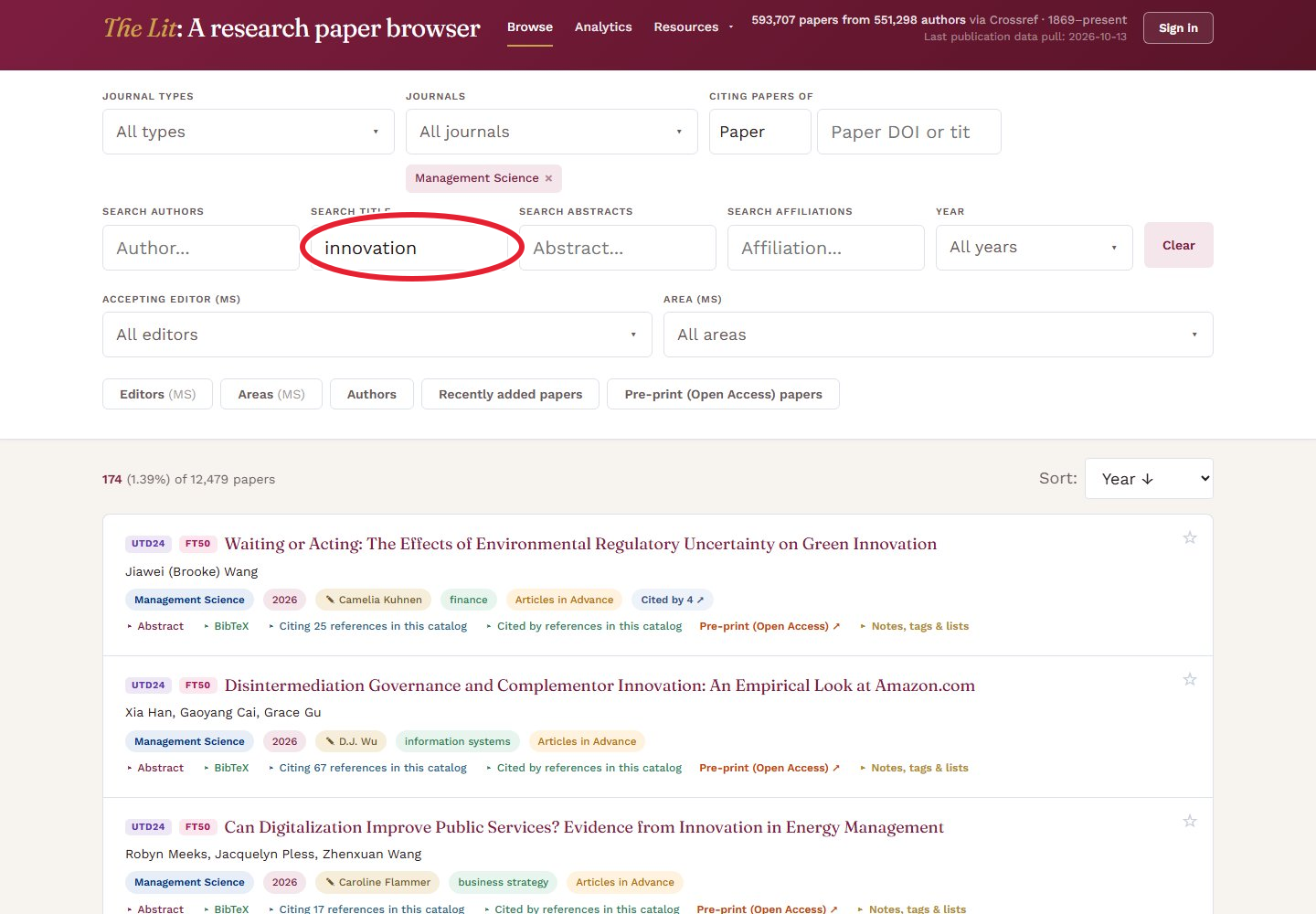
Innovation in Management Science, with the title search and matching papers visible.
Type your topic in Search title. The red circle marks the control to use. Select the image for a closer look.
Literature reviews

Start with a question

Looking for work on innovation? Search titles or abstracts, then narrow by journal and year. Open the promising papers, follow their references and copy the search link when you want to return to the same starting point.

Try this search →
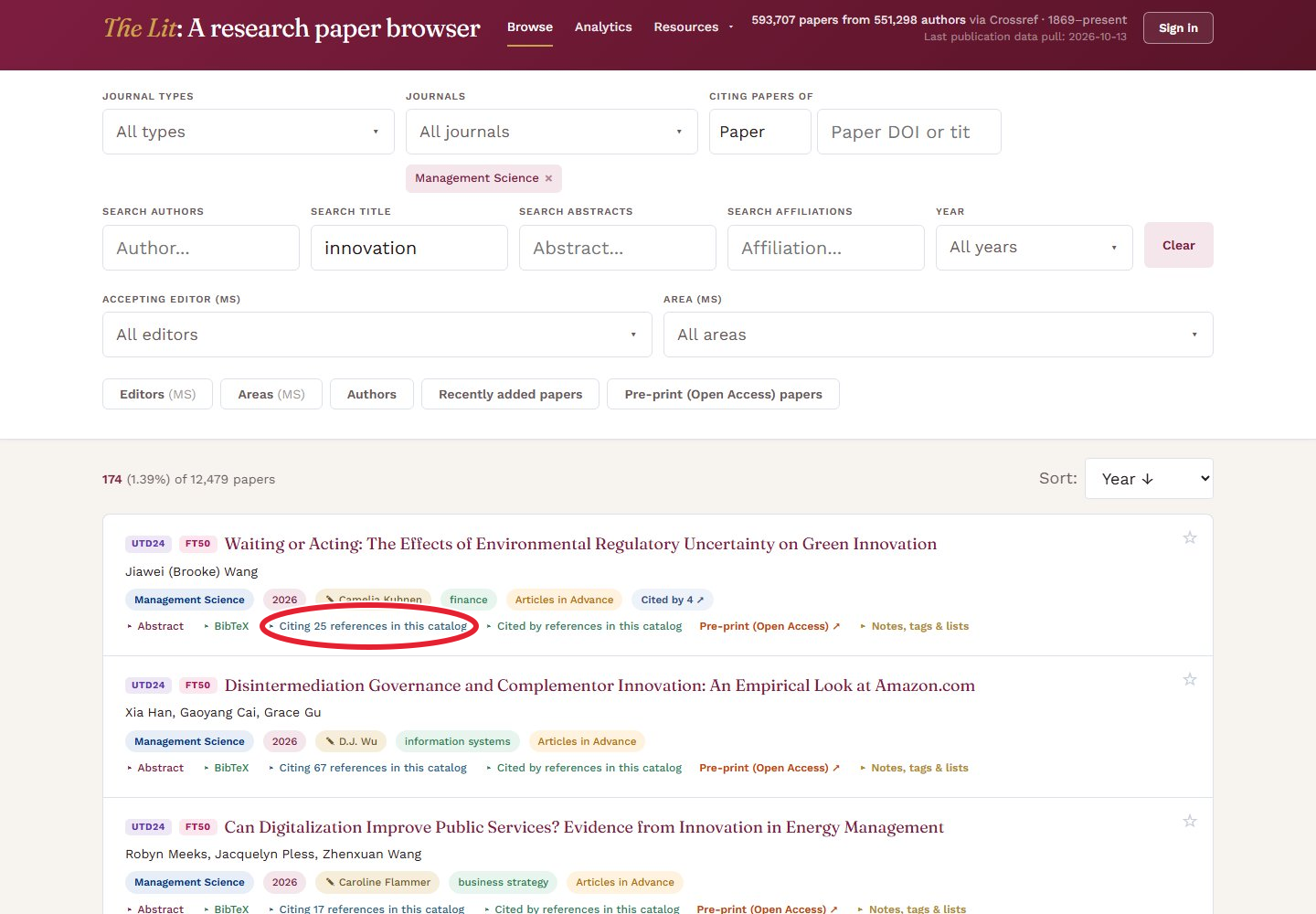
The Citing references control circled in red on a paper’s card.
Select Citing references in this catalog to open the paper’s references. The red circle marks the control to use. Select the image for a closer look.
Citations

Follow the conversation

A useful paper is often the start of a reading list. Open its references to find earlier work, or use “Citing papers of” to find papers that build on it. Add journal, year or topic filters to keep the results relevant.

Citation searches cover papers in The Lit. The set grows as the citation graph fills in.

Explore citations →
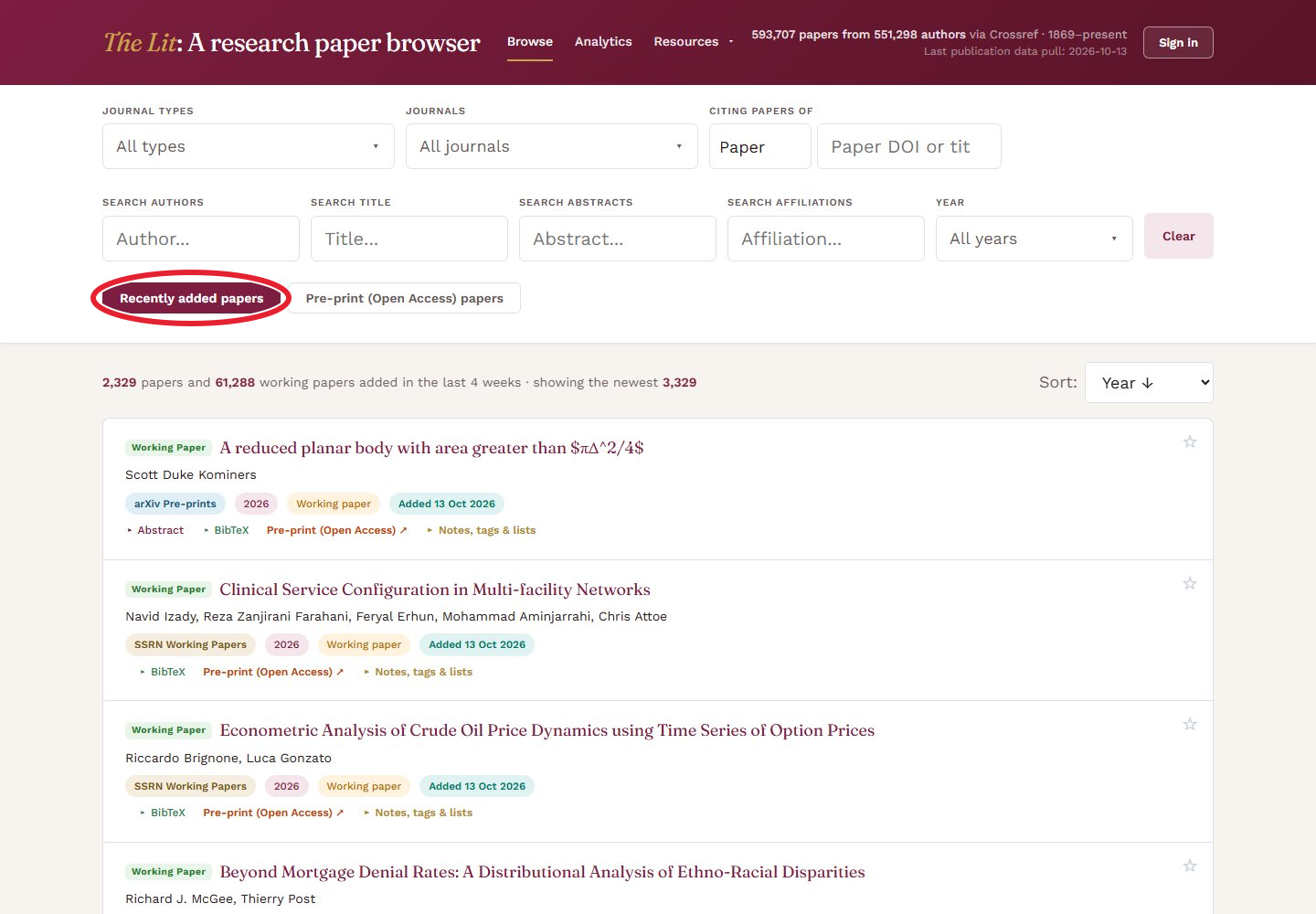
The Recently added papers view on the research browser.
Select Recently added papers. The red circle marks the control to use. Select the image for a closer look.
Stay current

See what arrived this month

Recently added papers brings together work added in the past four weeks, including working papers. Choose the journals you follow, or browse across the catalog when you want to see what is happening beyond your usual reading.

See recently added papers →
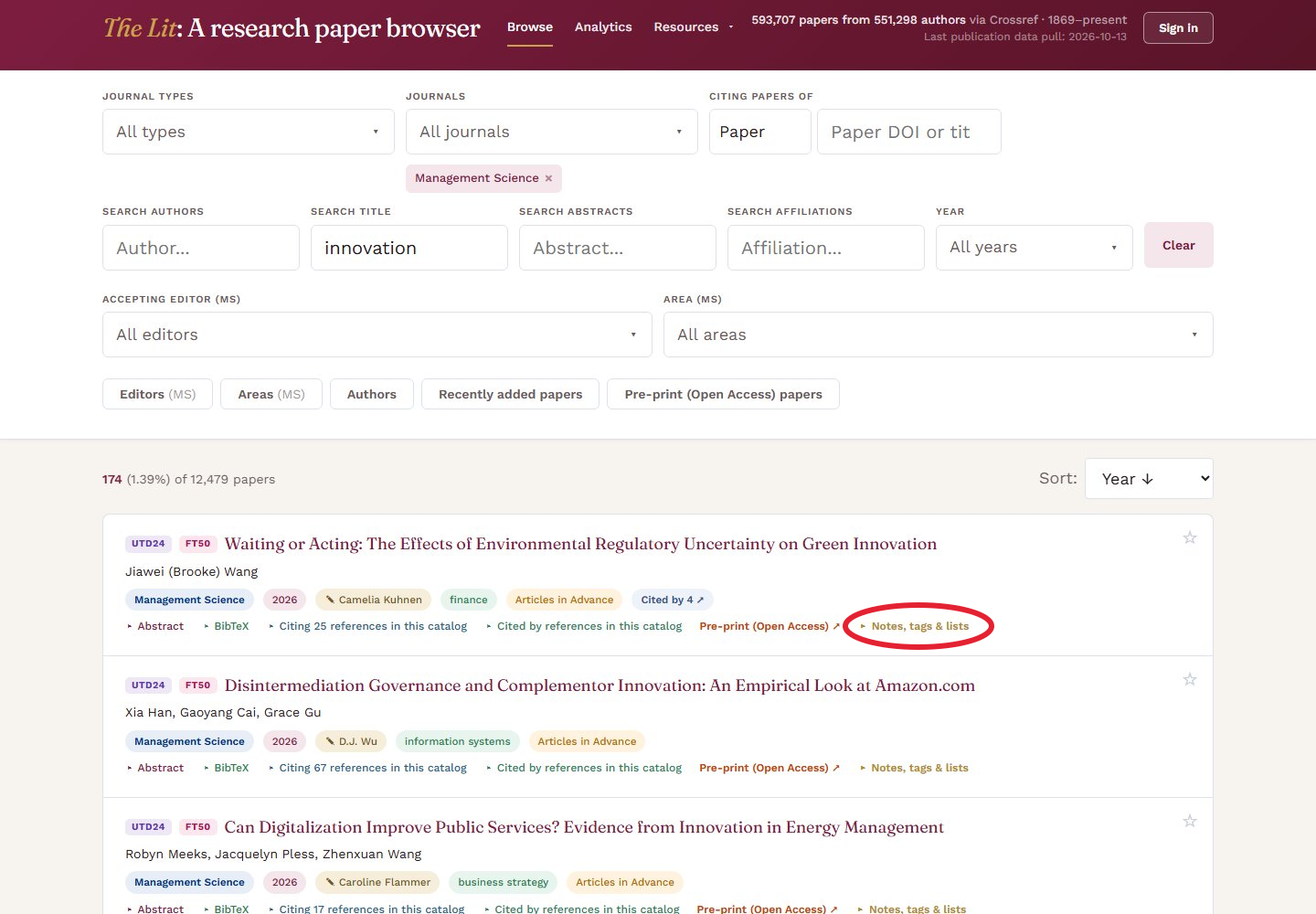
Notes, tags and lists circled in red on a paper’s card.
Select Notes, tags & lists to add a paper to a list. Sign-in is required. Select the image for a closer look.
Teaching & collaboration

Share a reading list

Bring the papers for a class or project into a named list. Sign in, open Notes, tags & lists on a paper and add it to your list. Make the list public and send the link to students or co-authors.

Readers need no account. Your notes and tags stay private, and turning sharing off disables the link.

Build a reading list →
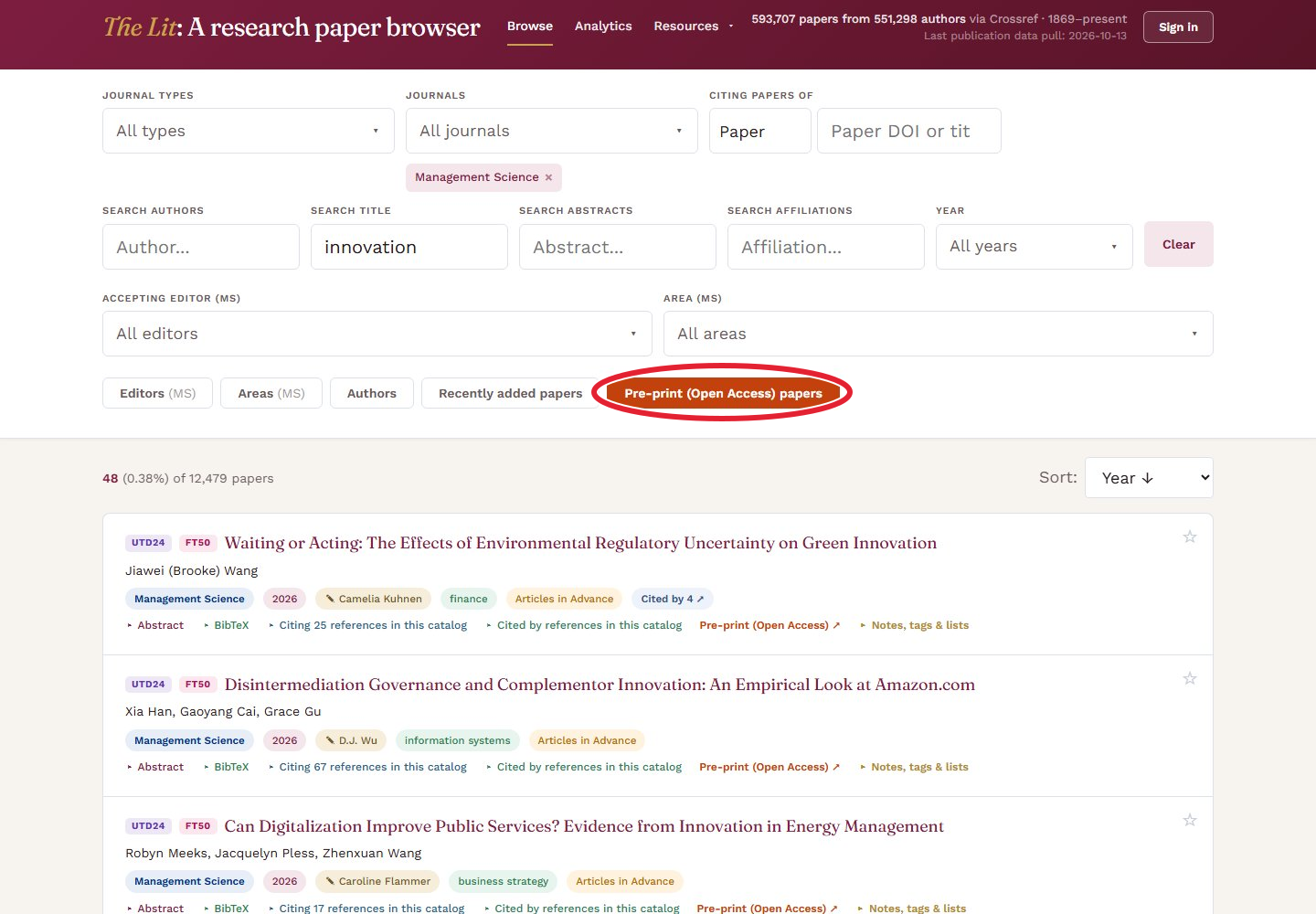
An innovation search with the open-access pre-print filter selected.
Select Pre-print (Open Access) papers. The red circle marks the control to use. Select the image for a closer look.
Access

Find a version you can read

Use Pre-print (Open Access) papers to show results with a free version available. Follow the pre-print link on the paper’s card to read it. This is especially handy when the published article sits behind a paywall.

A pre-print may differ from the published article.

Find free pre-prints →
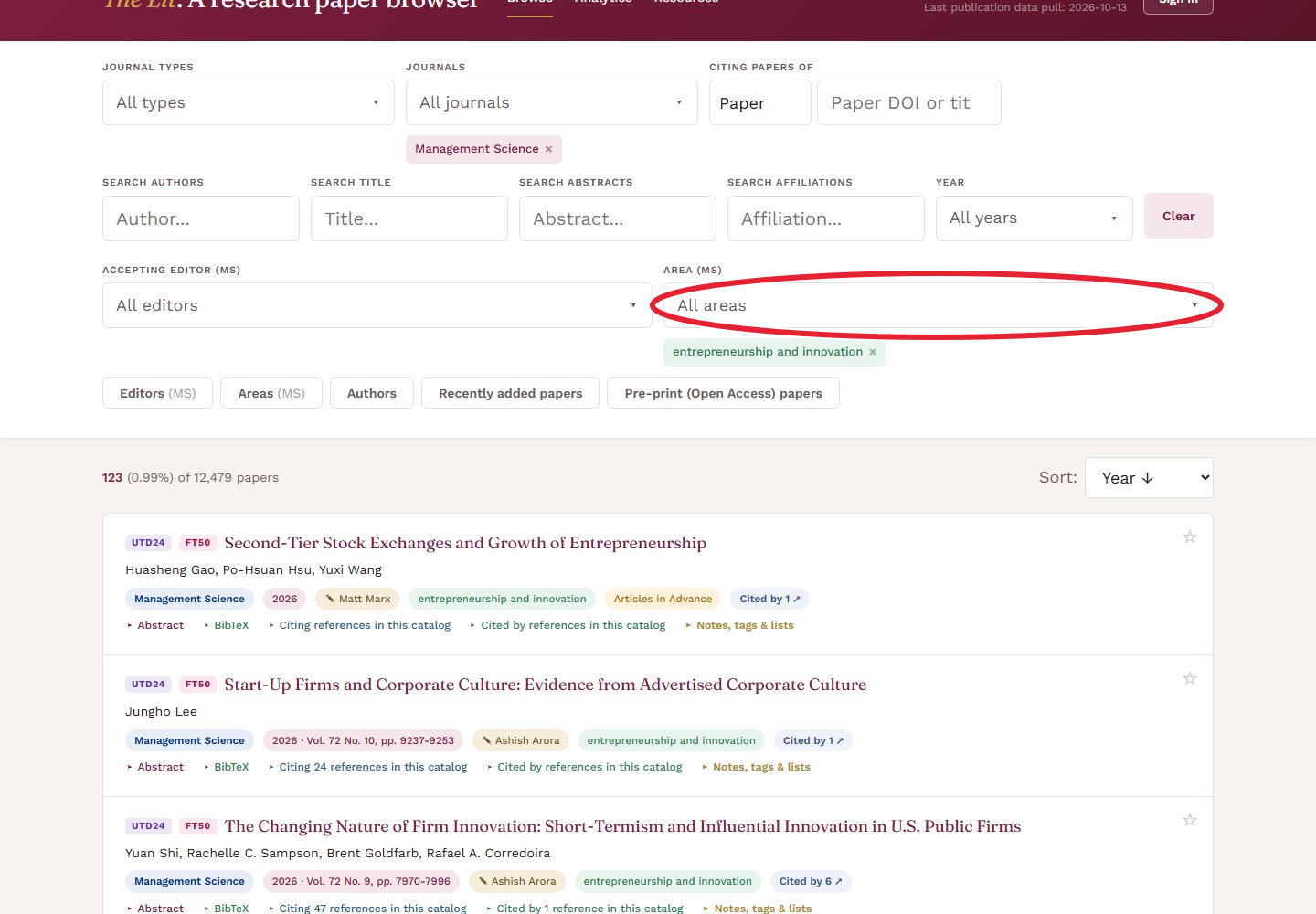
Management Science papers filtered to entrepreneurship and innovation.
Open Area (MS), then choose entrepreneurship and innovation. The red circle marks the control to use. Select the image for a closer look.
Journals & editors

Get to know an editorial area

Want to see what Management Science publishes in entrepreneurship and innovation? Select that area and browse the papers, or narrow further by accepting editor. Information Systems Research and Marketing Science also have senior and associate editor filters.

Browse this area →
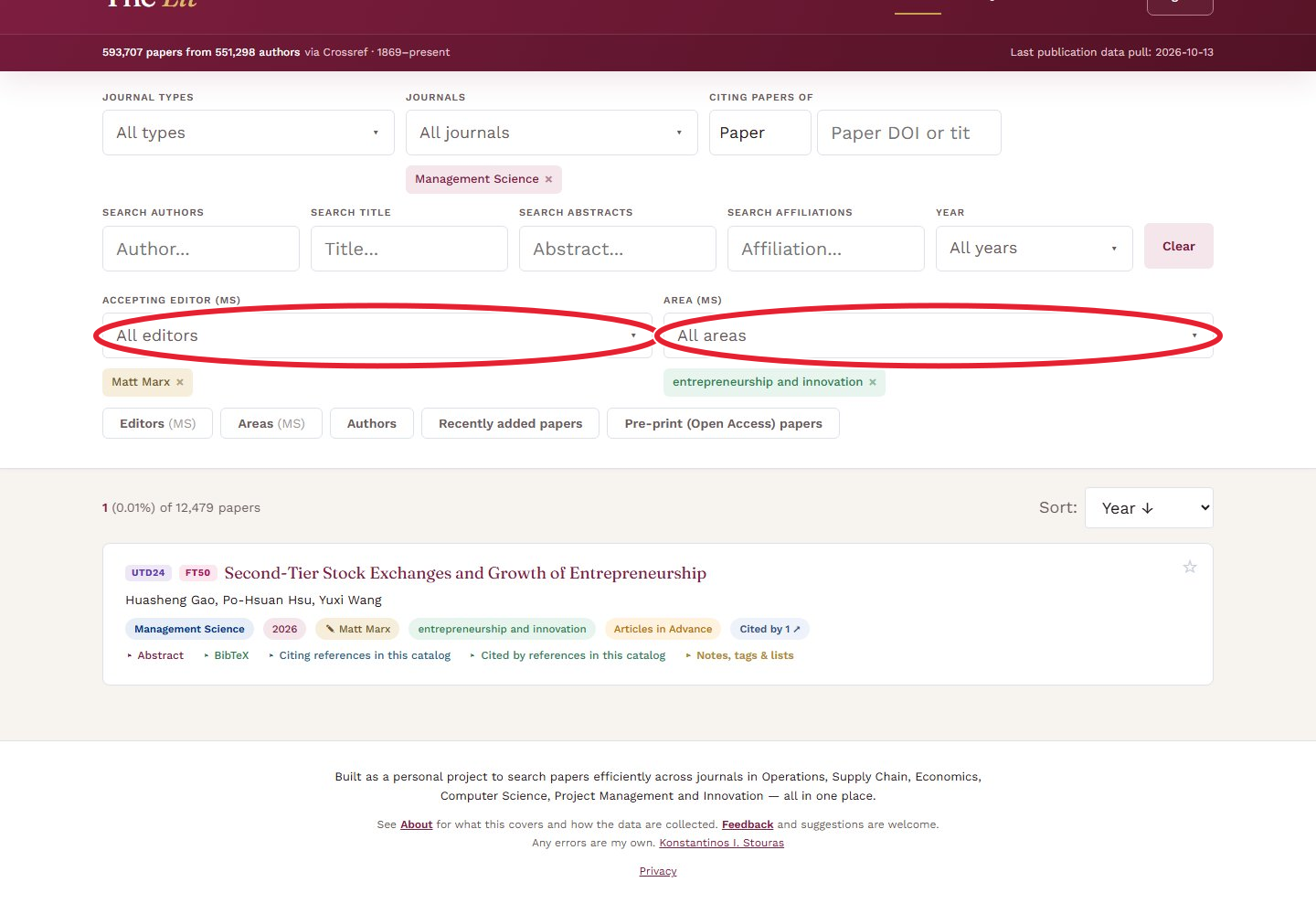
Management Science papers accepted by Matt Marx in entrepreneurship and innovation, with the accepting editor and area controls circled in red.
Choose an Accepting Editor and an Area. This example shows Matt Marx and entrepreneurship and innovation. Select the image for a closer look.
Editorial decisions

Find papers editors accepted

See which papers a given editor accepted, or browse the work published in a department or editorial area over the years. For example, select Management Science, Matt Marx and entrepreneurship and innovation, then use the year filter to follow how that body of work has changed.

These filters are available for selected journals that publish editorial information. Management Science accepting-editor and area data cover papers from 2011 onwards, where available.

See papers accepted by Matt Marx →
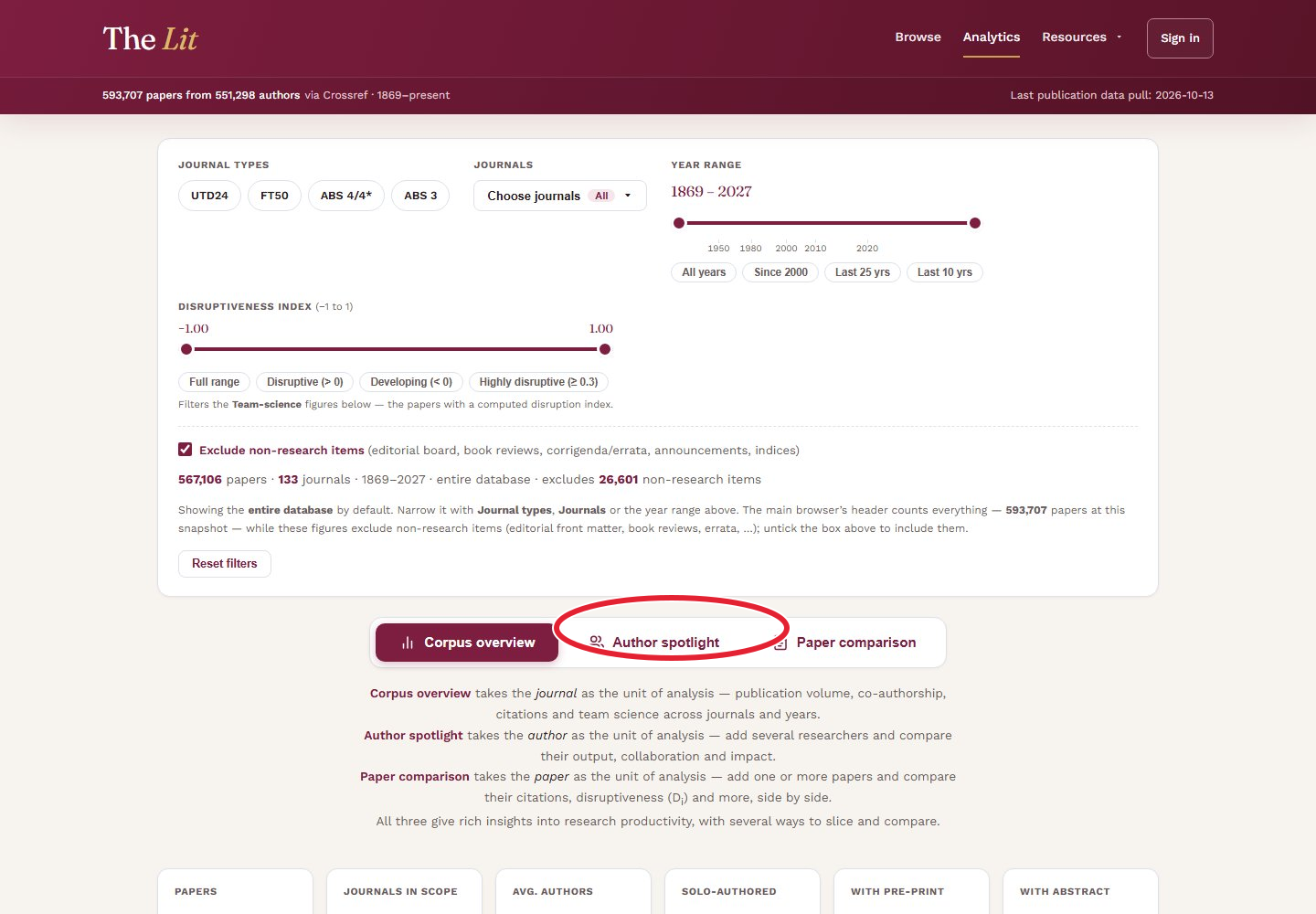
The Author spotlight button circled in red on the Analytics dashboard.
Select Author spotlight to compare researchers. The red circle marks the control to use. Select the image for a closer look.
Research patterns

Put a field in perspective

Open Analytics to see publication trends, collaboration patterns and citation flows. Choose journals and years to focus the charts, then use Author spotlight or Paper comparison to look more closely at the people and papers behind them.

Non-research items are excluded by default. Team-science and disruption measures are still in beta.

Explore Analytics →
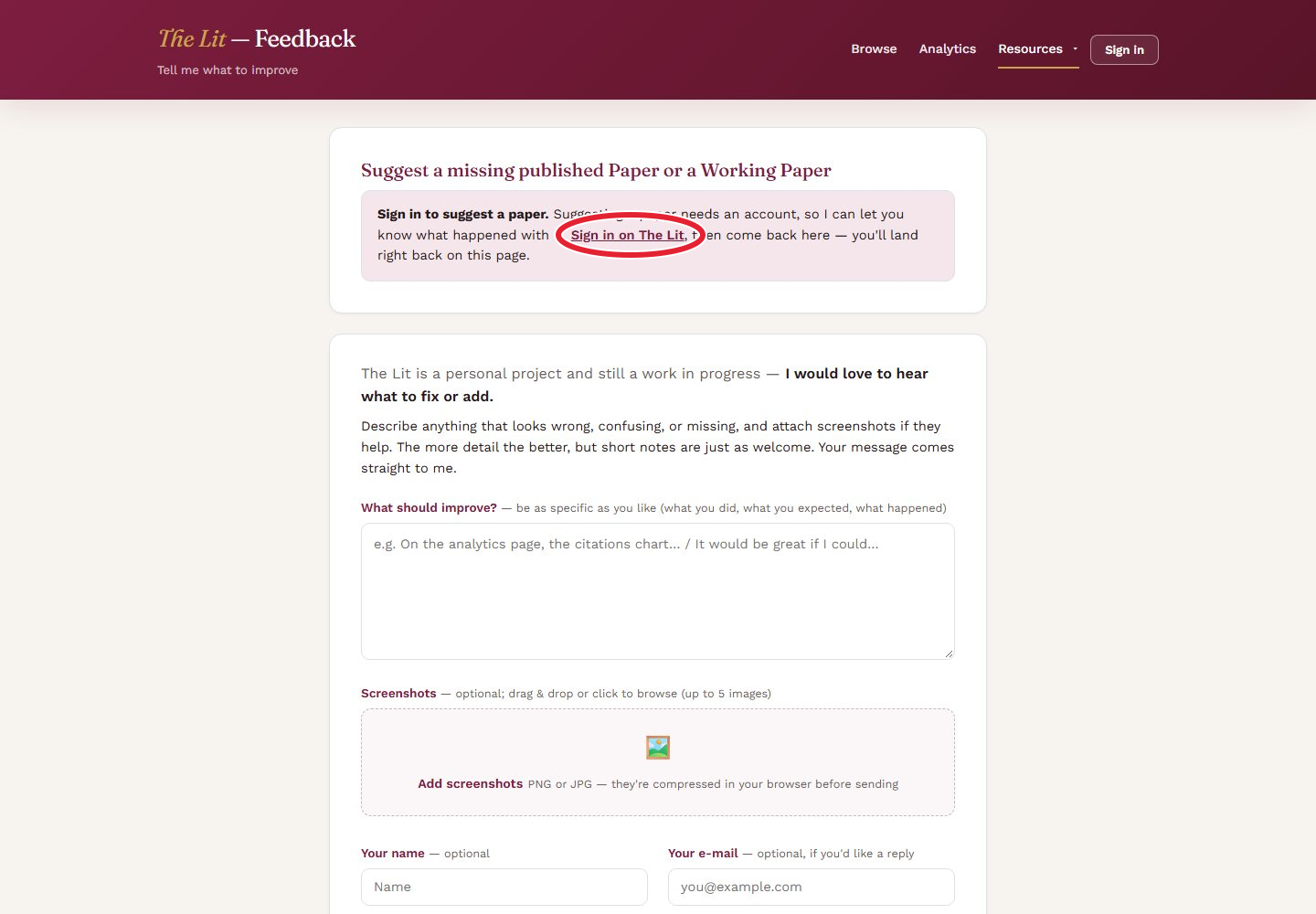
The Feedback page, where signed-in readers can suggest papers.
Select Sign in on The Lit, then return to suggest a paper. The red circle marks the control to use. Select the image for a closer look.
Contribute

Add something that is missing

Found a paper that belongs here? Sign in on Feedback and submit its DOI or citation. You can also suggest an SSRN, arXiv, NBER or OSF working paper by an author already in The Lit. The site checks the link and e-mails you the outcome.

Suggest a paper →
With a free account

Keep your reading together.

Sign in to get started →